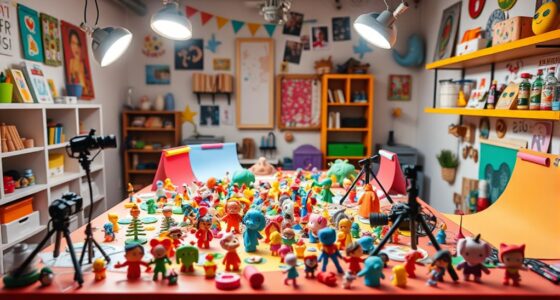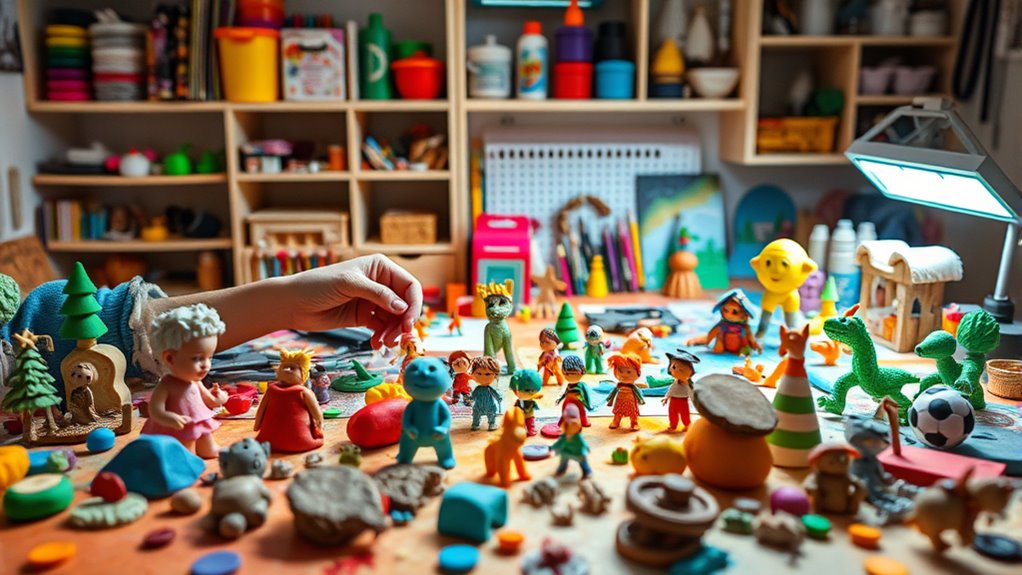
To make a stop-motion studio for kids, set up a simple workspace with a stable surface, like a table, and use household items or toys as characters. Grab a smartphone or tablet and download a child-friendly stop-motion app. Keep the camera steady and capture small movements between shots. Experiment with lighting, angles, and scene ideas to make it fun and creative. If you keep exploring, you’ll discover more tips to bring your stories to life.
Key Takeaways
- Set up a dedicated workspace with a stable surface and household items to create a simple stop-motion scene.
- Use a smartphone or tablet with Stop‑Motion Studio for Kids app to capture and animate objects easily.
- Plan your story and scenes beforehand, including characters, background, and props for smooth filming.
- Keep the camera steady using a tripod or stable surface to ensure consistent shots.
- Experiment with frame rates, angles, and timing to bring your creative ideas to life and enhance storytelling.

If your kids love storytelling and creativity, then Stop‑Motion Studio for Kids is the perfect app to spark their imagination. With this tool, they can bring their ideas to life through the magic of stop-motion animation. To make their projects engaging, understanding basic animation techniques is essential. For example, teach them to move objects slightly between shots to create smooth, fluid motion. They can experiment with different frame rates—fewer frames for choppier movements or more for seamless animation. Encourage them to plan their scenes carefully, considering how each movement will contribute to the story. This way, they learn to control pacing and build anticipation, making their videos more mesmerizing.
Encourage kids to master basic animation techniques and thoughtful scene planning for captivating stop-motion stories.
Using storytelling tips alongside animation techniques helps kids craft compelling stories. Encourage them to develop a simple story outline before filming, so they know what scenes they need and how each part fits into the overall narrative. Remind them to create clear characters with distinct features to make their stories more relatable and memorable. They should also think about setting and mood—lighting, background, and props—to enhance the storytelling effect. For example, a spooky story might need darker lighting, while a cheerful one could feature bright colors. These details add depth and emotion, making their animations more engaging. Additionally, understanding the importance of contrast ratio can help them choose appropriate lighting and backgrounds to improve visual clarity and impact.
As they start filming, remind your kids to keep their camera steady and consistent. Small shifts in position can disrupt the flow, so using a stable surface or tripod attachment helps maintain continuity. Encourage them to take multiple shots, observing how each change affects the scene. They can also experiment with different angles to add variety and interest. Once they’ve captured their frames, they can use the app’s editing tools to fine-tune timing and add sound effects or voiceovers, further enriching their story.
Most importantly, foster a supportive environment where your kids feel free to experiment and learn from mistakes. Creating a stop-motion studio at home is simple: gather a few household items, set up a dedicated workspace, and let their creativity run free. By combining animation techniques with storytelling tips, they’ll not only produce fun videos but also develop their storytelling skills and patience. This process encourages problem-solving, artistic expression, and confidence—all valuable lessons wrapped in a fun, hands-on activity. Watching their stories unfold frame by frame will give them a real sense of achievement and inspire them to keep creating.
Frequently Asked Questions
What Safety Precautions Should Kids Follow During Setup?
You should always supervise children closely during setup to guarantee safety. Create a safe workspace by clearing clutter, keeping cords out of the way, and using sturdy surfaces. Make sure kids handle equipment carefully, avoid sharp tools, and don’t touch hot or electrical parts. Constant child supervision helps prevent accidents, and setting up in a safe environment encourages responsible use of materials, making the entire process fun and safe for everyone involved.
How Much Space Is Needed for a Small Studio?
You’ll need a small space, about 4×6 feet, to set up your stop-motion studio. Make certain there’s enough room for studio lighting to avoid shadows and for camera placement, so you can easily frame your shots. Keep the area clutter-free, and position your camera on a stable surface or tripod. This setup allows you to work comfortably and capture smooth, consistent frames for your animation.
Can Older Kids Find This Activity Challenging?
Yes, older kids might find stop-motion animation challenging, but it’s a great way to develop creative storytelling and technical skills. They’ll enjoy experimenting with different techniques, characters, and scenes, which pushes their creativity and problem-solving abilities. While it requires patience and attention to detail, this activity can be highly rewarding, helping them build confidence as they craft unique stories frame by frame.
What Are Some Beginner-Friendly Stop-Motion Software Options?
Imagine a toolkit that invites you to explore creative lighting and experiment with camera angles effortlessly. Beginner-friendly stop-motion software like Stop Motion Studio, iKITMovie, and Boinx iStopMotion make this possible. They offer intuitive interfaces, guiding you step by step, so you can focus on your storytelling. These options help you get started with simple controls, making it easy to craft charming animations without feeling overwhelmed, even if you’re new to animation.
How Do I Store Completed Stop-Motion Videos?
You should store your completed stop-motion videos on a reliable device like an external hard drive or cloud storage. To keep your videos organized, use clear filenames and folders. Before storing, do some basic video editing to enhance lighting techniques and improve quality. Always back up your work regularly to prevent losing your progress. This way, your videos stay safe, accessible, and easy to find whenever you want to revisit or share them.
Conclusion
Now, with your own stop-motion studio, you can bring colorful characters to life, their tiny movements capturing imaginations and sparking creativity. Picture your workspace filled with lively scenes, as each click of the camera transforms simple clay figures into magical stories. You hold the power to create worlds filled with adventure and wonder, all within your home. So, grab your materials, start filming, and watch your animated dreams come alive, one frame at a time.